How to Subscribe and Apply a Discount Coupon
Congratulations on choosing to subscribe to Camtend—the powerful, reliable system for tracking and managing employee attendance.
To subscribe to a paid plan and unlock all system features, follow these steps:
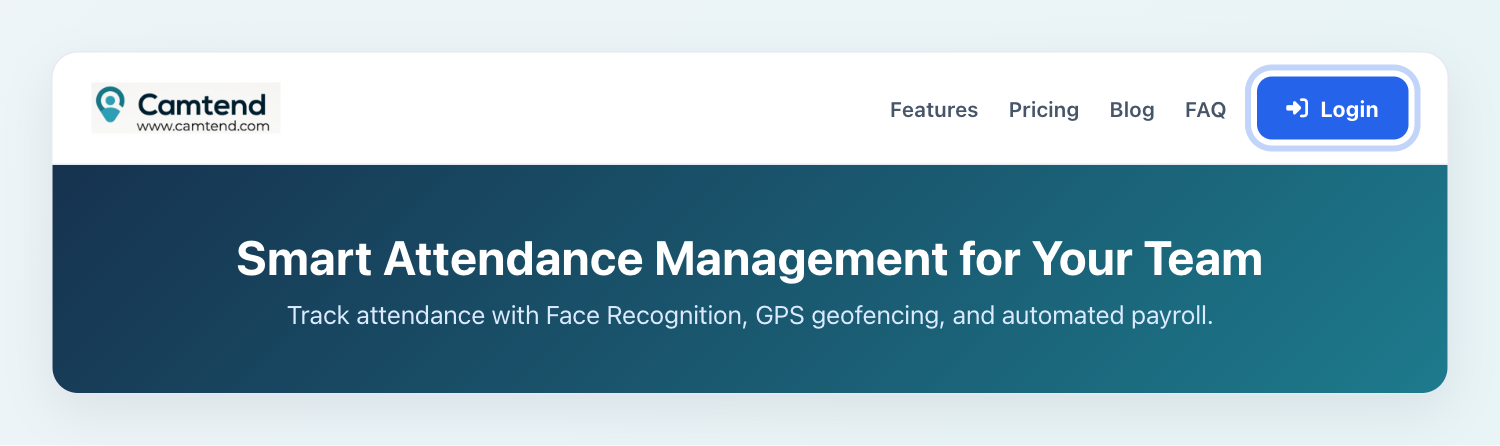
- Go to camtend.com and click the Login button.
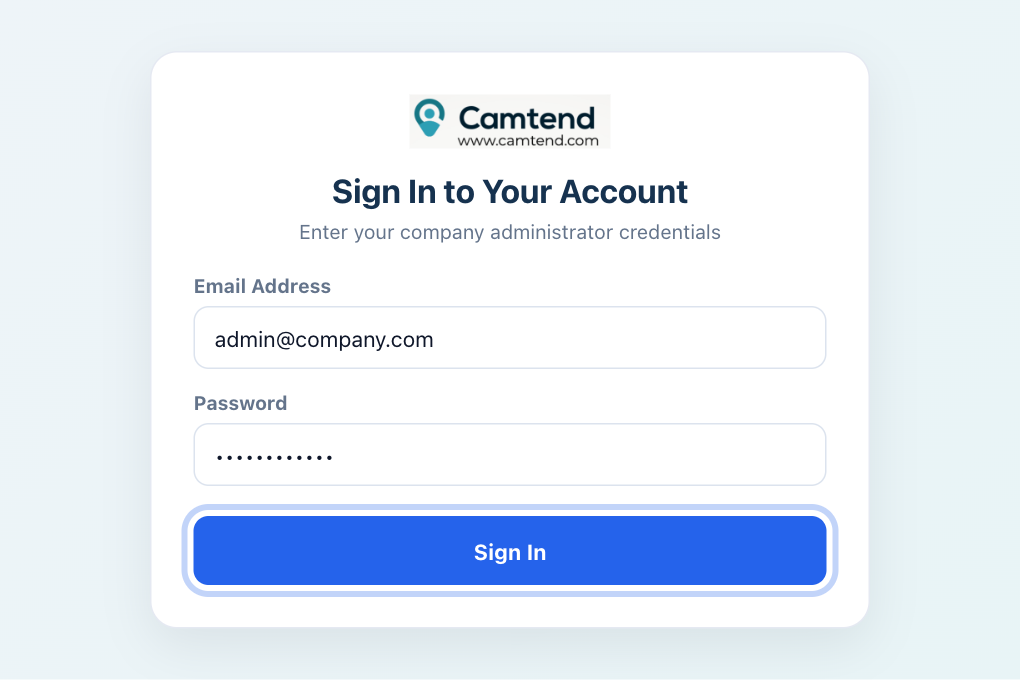
- Enter your account login credentials.
- Click the "System Administration" / dashboard management button.
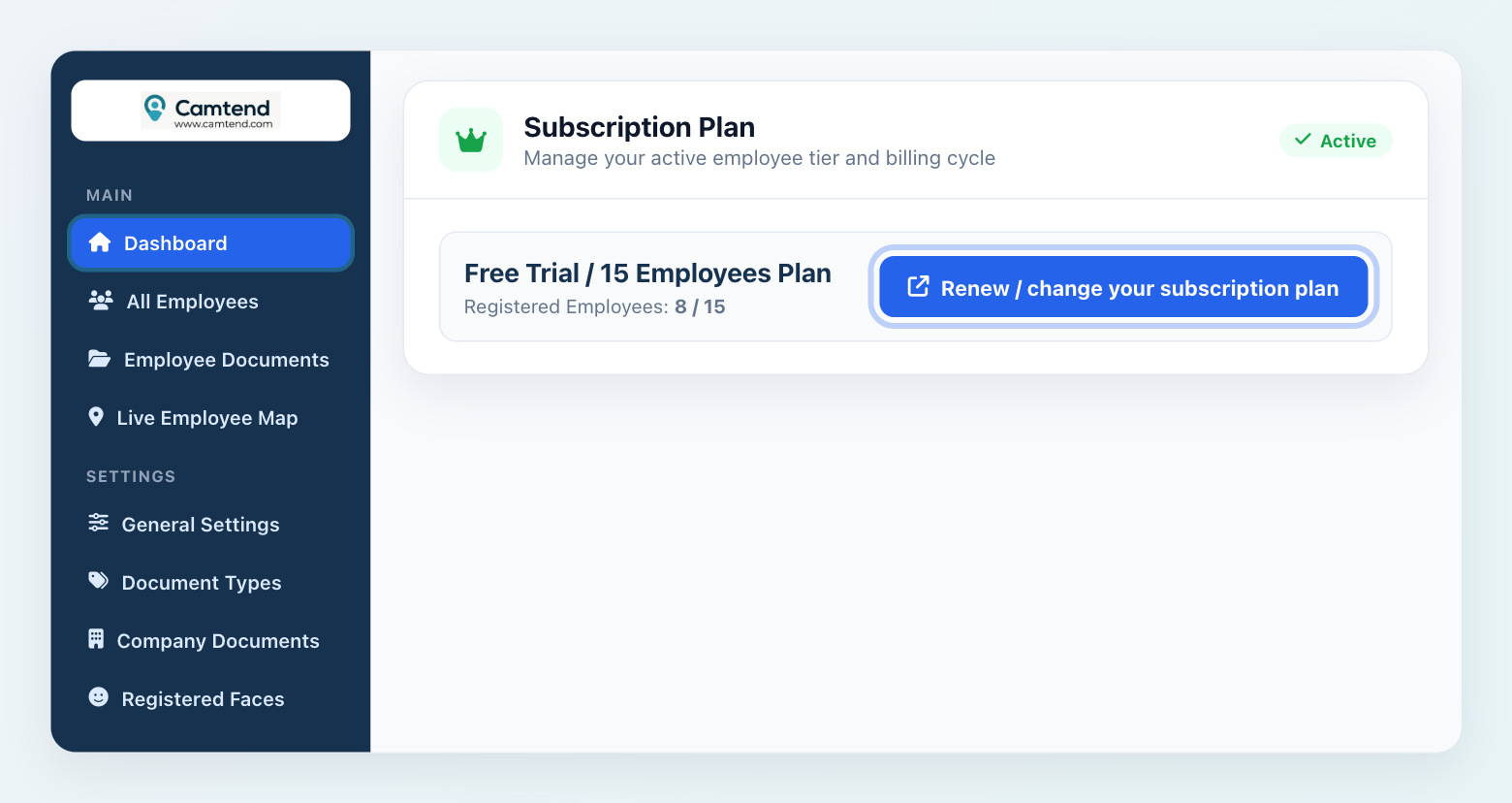
- Click the link "Renew / change your subscription plan".
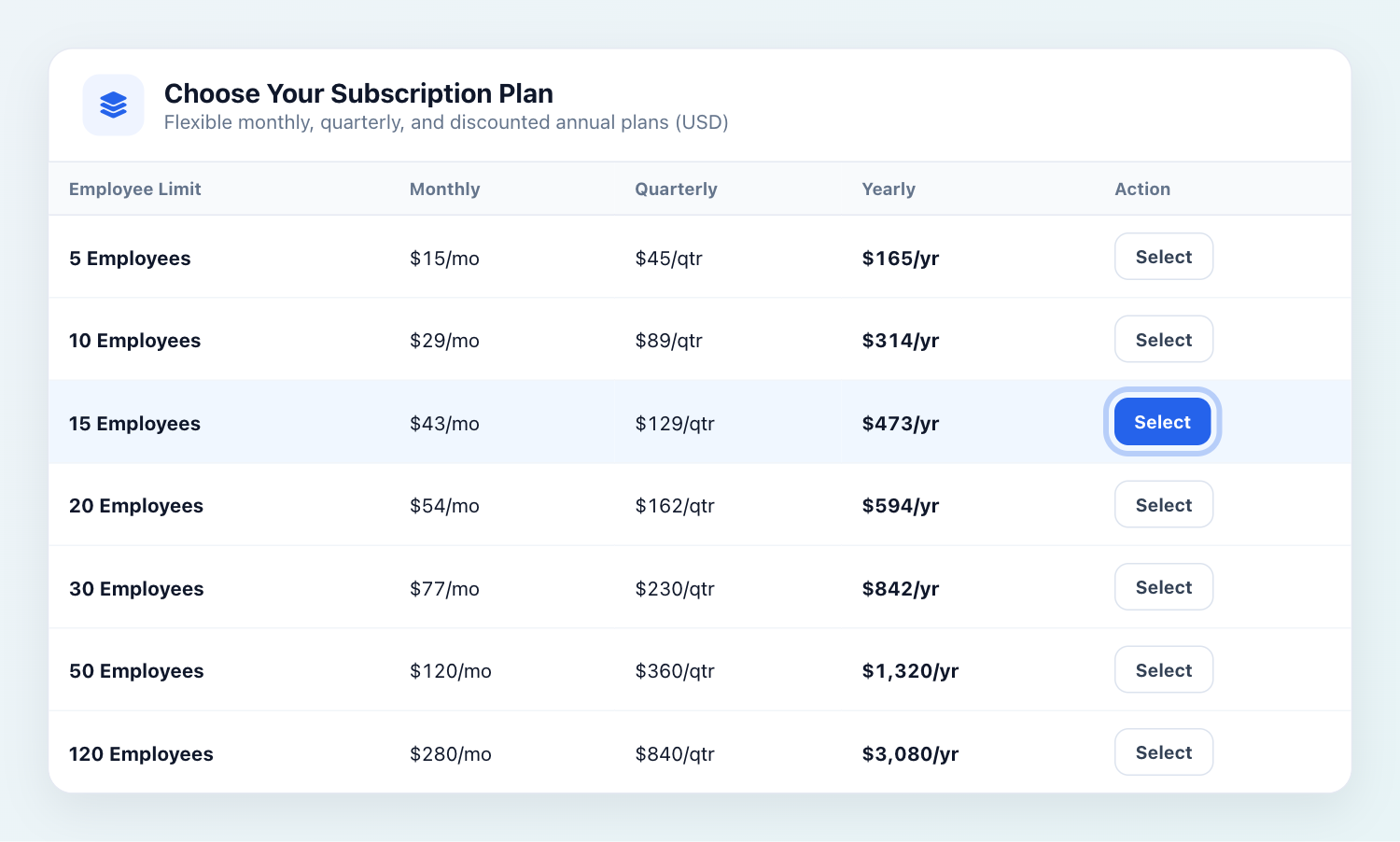
- Select the subscription plan you want from the plans table.
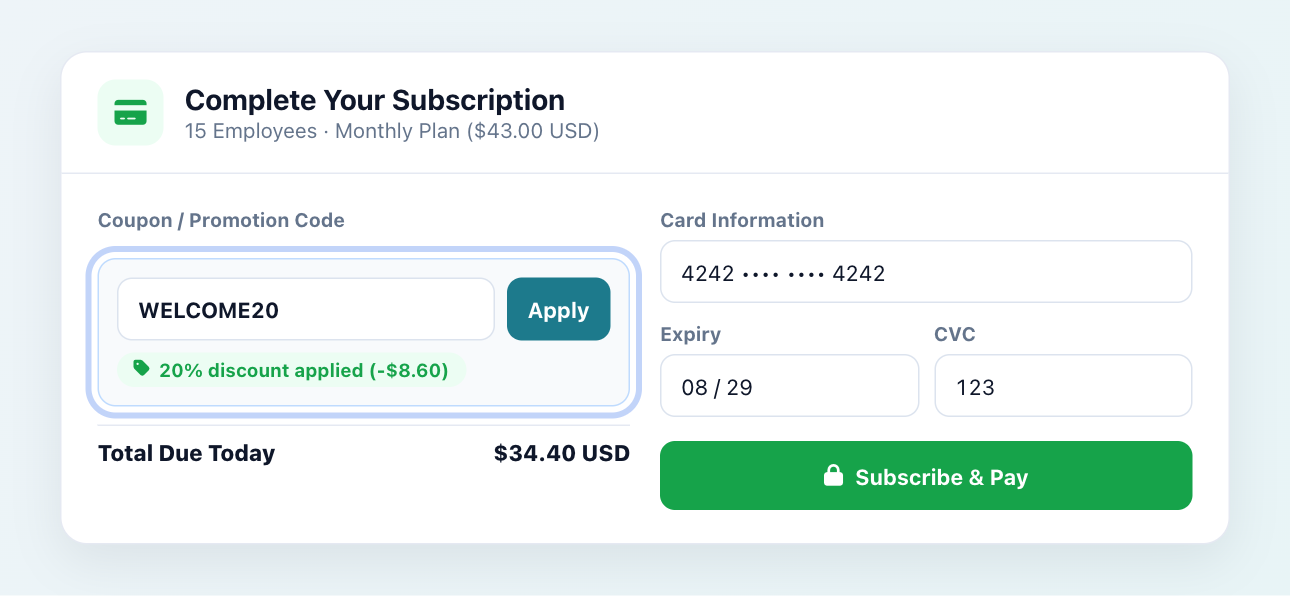
- Enter your payment details and apply your discount coupon code (if you have one), as shown below.
- Follow the on-screen prompts until payment is completed.
- Congratulations—your subscription is now active!


تعليقات
إرسال تعليق