Documents & Records Management
New Documents & Records Management System
Discover a smarter, faster, and more secure way to manage your company and employee documents in one place.
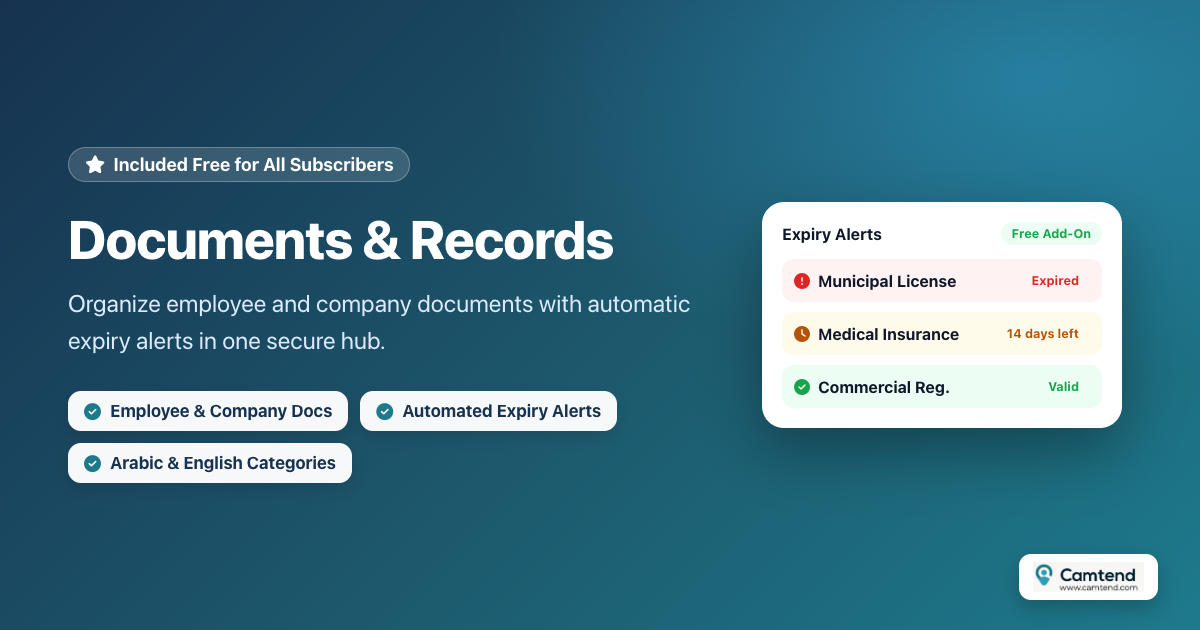
A free feature included for all Camtend subscribers
We are pleased to announce the launch of our all-new Documents & Records Management feature, built specifically for modern companies. Tracking paper records and scattered files is no longer a hassle—you can now archive, organize, and monitor all important documents effortlessly.
1. Centralized Management for Employee & Company Documents
The new system provides a dedicated section for each type of document:
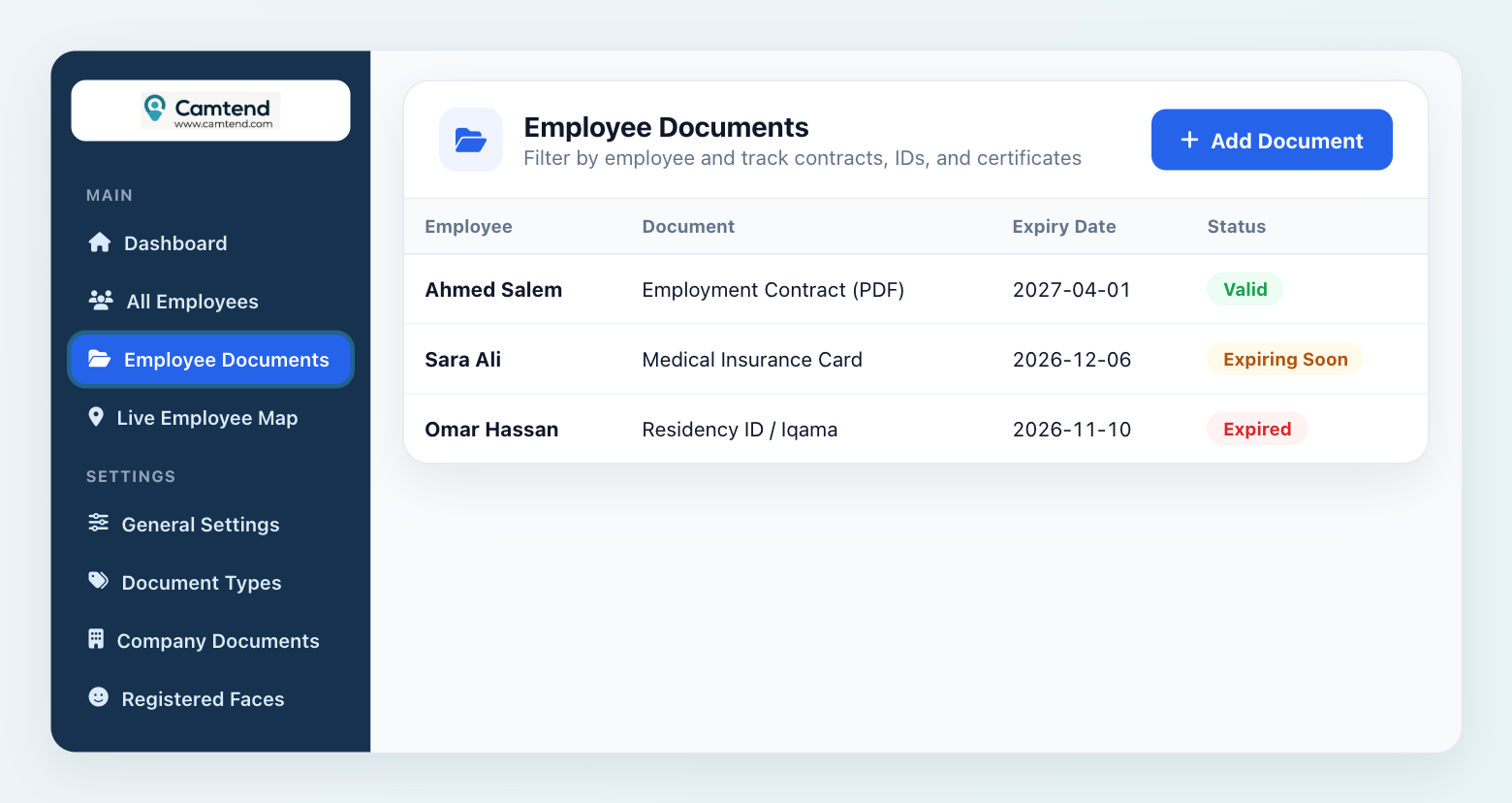
- Employee Documents: Archive contracts, IDs, certificates, and more individually for each employee.
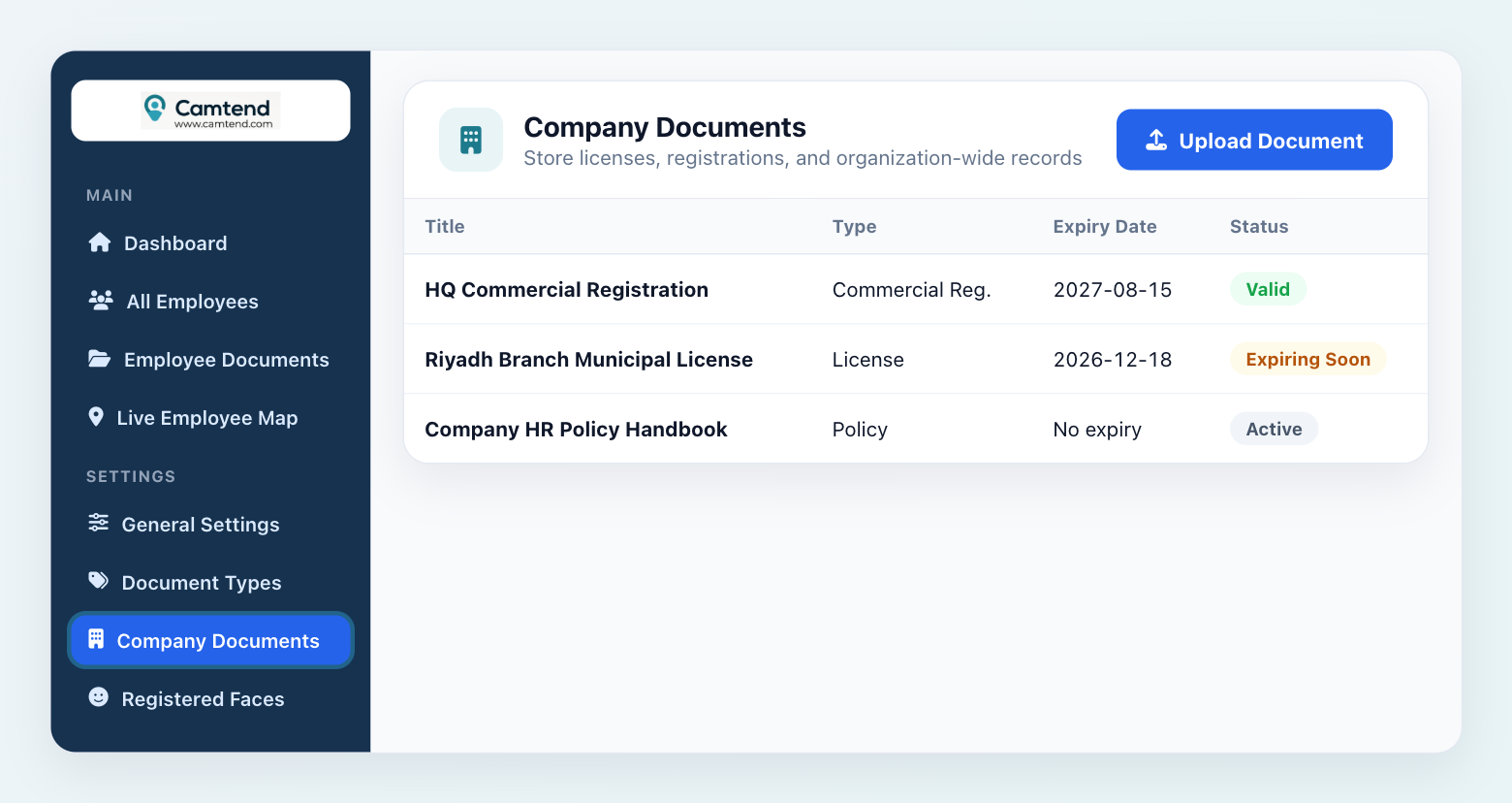
- Company Documents: Keep commercial registrations, licenses, and company policies in one secure place accessible to management.
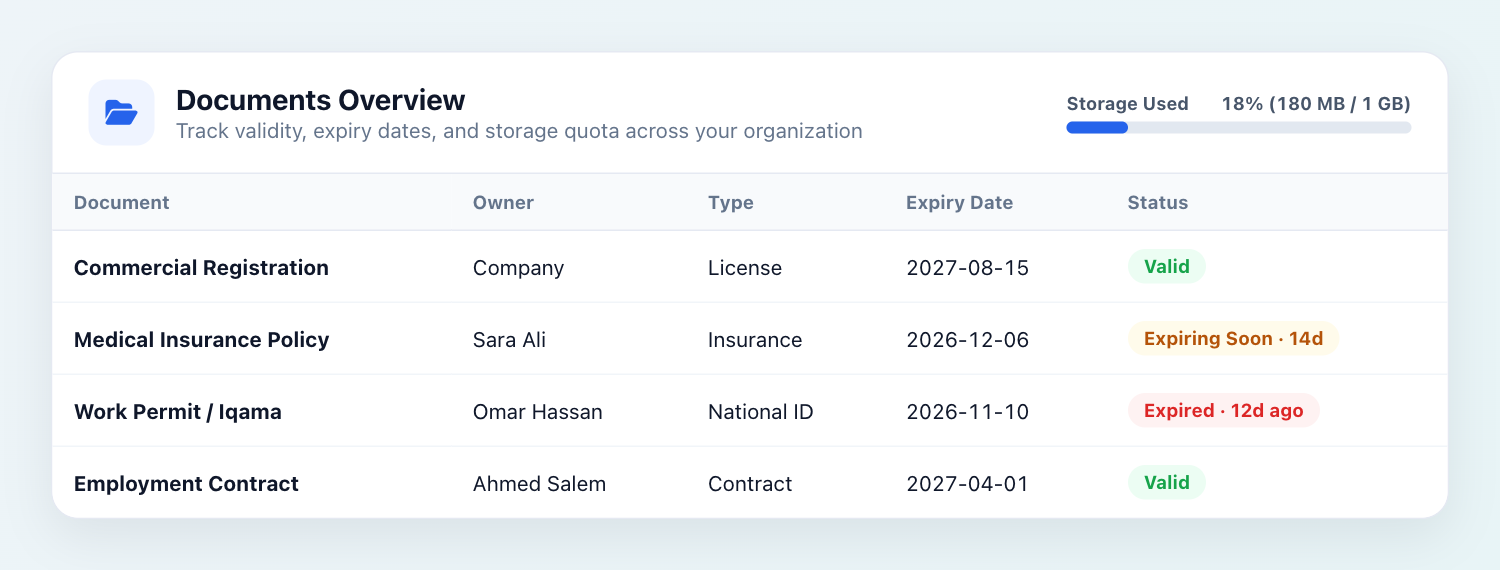
A modern interface clearly displaying document status and expiry dates
2. Automated Expiry Tracking & Alerts
One of the biggest operational headaches is forgetting to renew critical documents. Our new system solves this completely:
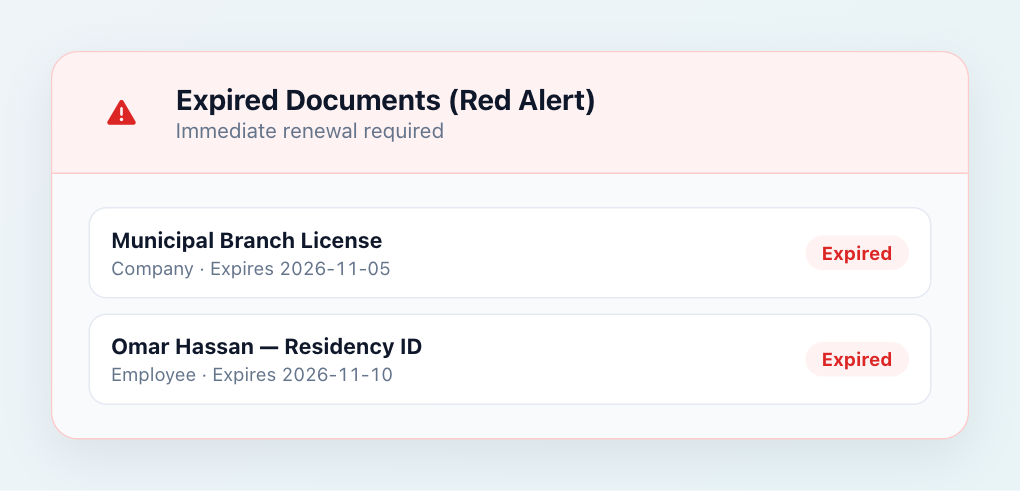
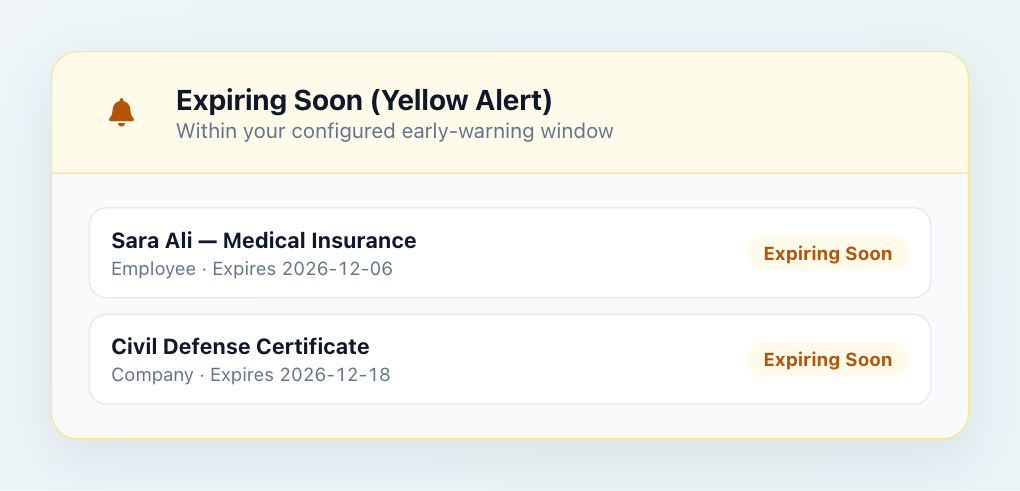
Whenever you upload a document, you can specify an expiry date and set an advance alert. The system automatically color-codes documents for quick scanning:
- 🔴 Red: Expired documents.
- 🟡 Yellow: Documents approaching expiry.
3. Flexible Bilingual Categories
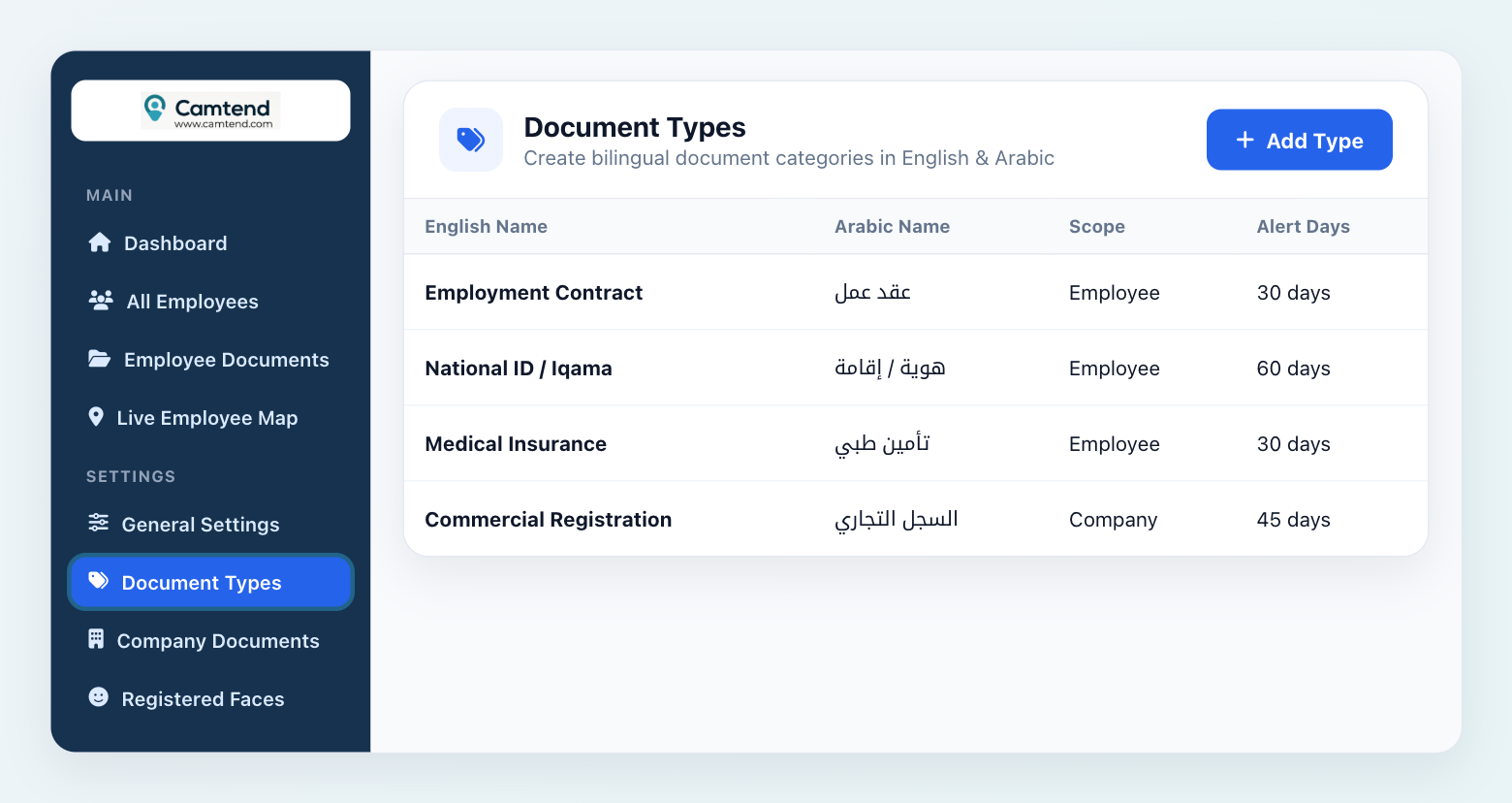
We built a flexible category system that lets you create custom document types (such as Employment Contract, National ID, or Medical Insurance) with full Arabic and English support—making it easy for every team member to use.
4. Storage Usage Monitoring
No need to worry about running out of storage unexpectedly. We added a clear progress bar showing your company's storage usage percentage, along with alerts as you approach your limit.
How It Works
Adding Document Types
First, define your document types (for example: Employment Contract, ID Card, Medical Insurance).
You can do this from Settings → Document Types.
Adding Documents
You can add company documents from Settings → Company Documents.
And you can add employee documents from Employees → Employee Documents.
Try the new system today and take your business administration to the next level!


تعليقات
إرسال تعليق